communication designer
building conceptual and visual worlds.
Open for work
Creative Interests
Creative Approach
Research and exploration are the foundation of good design
Empathy is key
Analogue steps in the design process add beautiful imperfections that make design more human and relatable
Design is functional art that has to serve the public
Good design is always a collaboration
scalable design
for personalised
triathlon app




Client
enduco
Timeline
2021–2023
Role
Lead Product Designer
Contribution
UX Design, UI Design, Design System, Branding, Imagery, Social Media
Problem
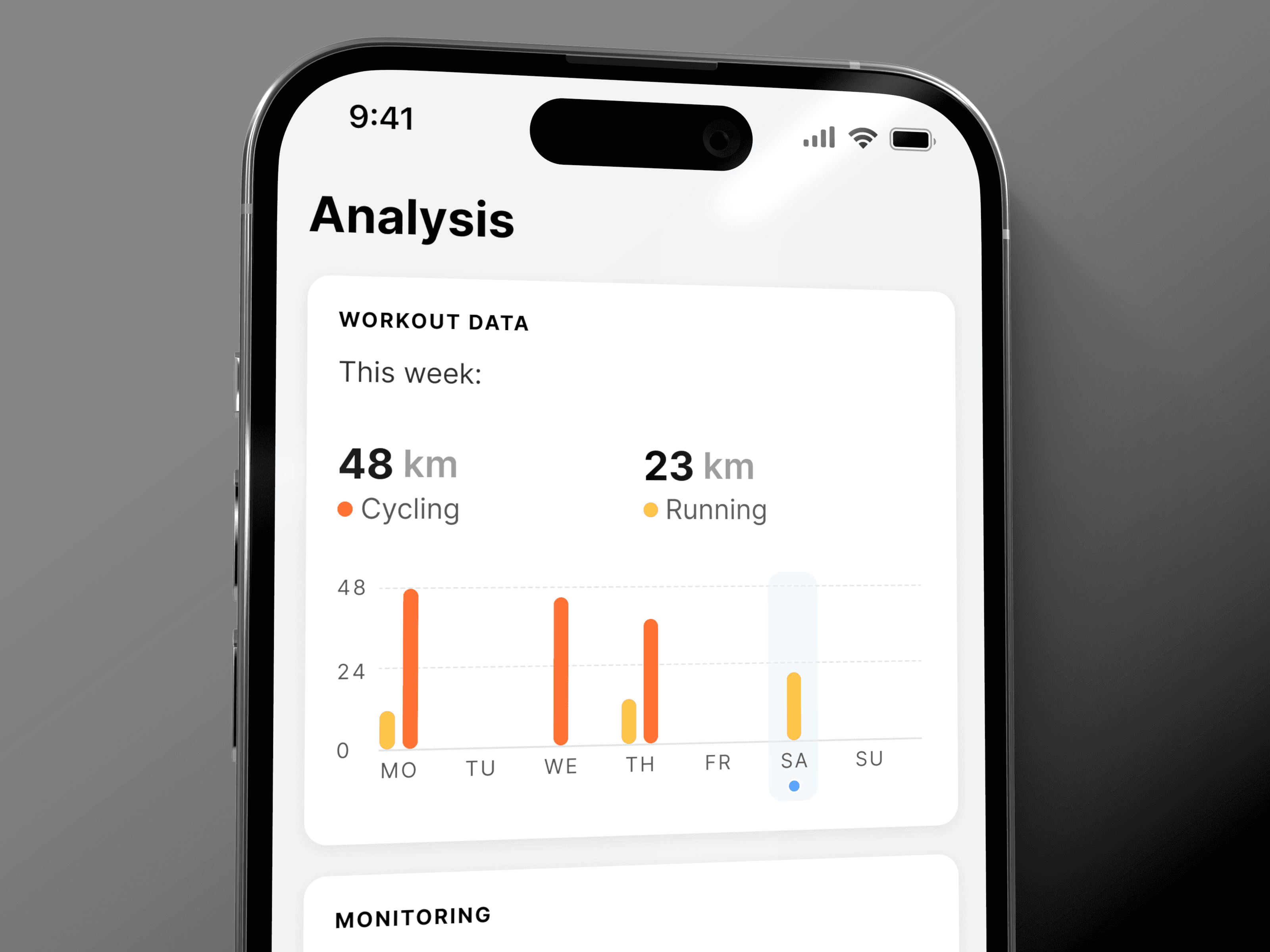
When I joined enduco, the app was growing fast but had no coherent design system. Prototyping and building new features took longer than necessary, and the result risked looking and behaving inconsistently. The information architecture added friction to simple tasks, and a visual language built on stock imagery failed to reflect a product that offers highly personalized training plans.
Approach
Through consistently gathered user feedback, I identified friction points and built a leaner information architecture. With accessibility and scalability in mind, I created a design system that adapts to future features and supports both light and dark mode. With personalisation as the guiding idea, I redesigned enduco's brand and developed an inclusive, personal photographic language. As part of the rebrand, I also designed and built a fresh website in Framer.
Outcome
enduco now has a design foundation that lets the team build, test, and ship new features faster and more consistently. The app feels clearer in both light and dark mode, and the brand is cohesive across the app, website, and marketing material. In 2024, Apple featured enduco in the Health & Wellbeing category on the App Store.
Pixel drawing
app for a
printmaking startup


Client
InkBlox
Timeline
2026
Role
Lead Visual Designer
Contribution
UX Design, UI Design, Prototyping
Problem
InkBlox is a small startup that approached me to design a pixel drawing app to accompany their physical brick printing kit. With a startup budget, there was no room for a full custom design system. The app also had to do more than look good. It had to support how people create with the kit, from first sketch to finished print.
Approach
I spoke with customers who were already using the print kit to find out how the app could support their creativity. Two needs stood out: sketching designs on the go, and a printing view. Because relief printing produces a reversed image, the printing view mirrors the design, and a placement map shows where each block goes on the grid, so a sketch converts quickly to the print board. To stay within budget, I built on Google’s Material Design system and made it distinctly InkBlox. A pixel font for headlines keeps the fun, and a monospaced font for body text reinforces the feeling of a grid. Bright colours, used with care, keep the interface playful without competing with the designs users are drawing.
Outcome
The result is a pixel drawing app, now available on the App Store and Google Play, that is fun but functional. Users can sketch anywhere, preview their design mirrored the way it will print, and map it onto the baseplate. It extends the physical kit into a digital tool, and within the first few months the app had already reached about 1,000 registered users. The lean design system gave the small team a foundation to build on, and they have since shipped new features using the design as their base.